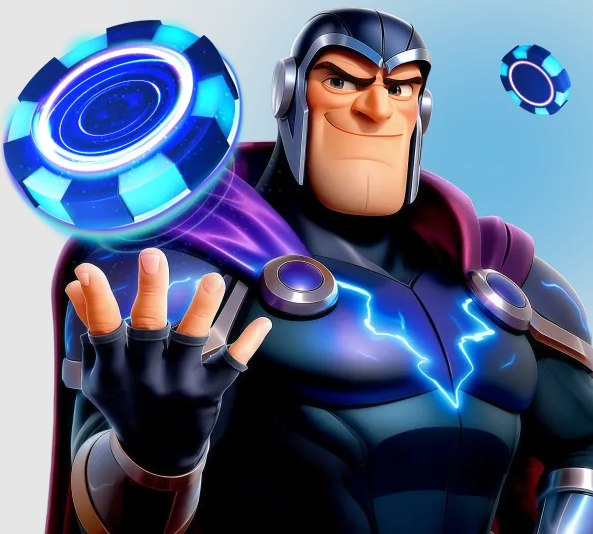
About the Magneticslots Mobile Application
The Magneticslots mobile application is a native app developed specifically for iOS and Android platforms rather than a wrapped browser version. This allows for faster loading times, optimised touch controls, push notifications and quick-launch tiles for favourite games. The app is distributed directly from the Magneticslots website rather than through the Apple App Store or Google Play Store, which is standard practice for licensed casino operators outside of certain regulated markets. Installation follows a short one-time process per device.
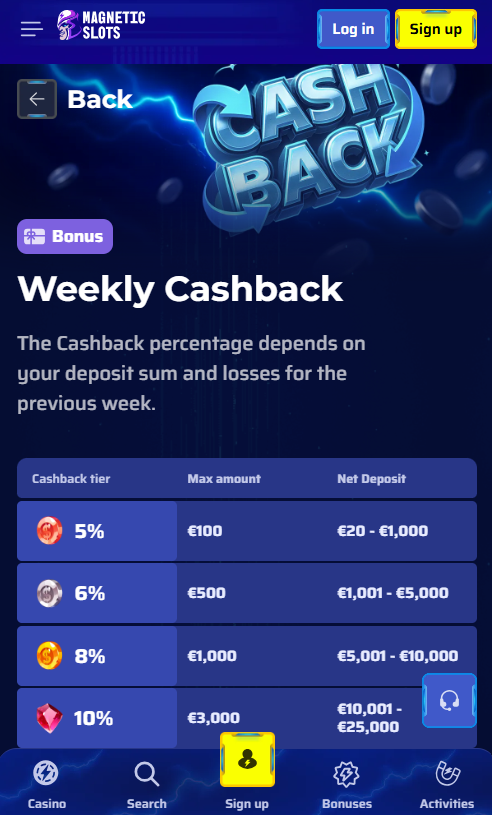
Downloading the App for iOS and Android
Installation of the Magneticslots app follows a slightly different path for iOS and Android devices due to platform-specific security requirements. The sections below cover both processes step by step.
iOS Installation
iOS installation begins by opening the Magneticslots website in Safari and selecting the Download for iOS option. The device then requests permission to install a configuration profile, which must be trusted through Settings under General and VPN & Device Management. Once trusted, the app icon appears on the home screen and launches like any standard application. The process takes two to three minutes and requires iOS 13.0 or later.
Android Installation (APK)
Android installation requires enabling the Install from Unknown Sources permission under device Settings, since the app is not distributed through Google Play. After enabling this permission, the APK file is downloaded from the Magneticslots website and installed with a single tap. The app then requests standard permissions for storage and notifications. Compatible with Android 8.0 and later, the process typically completes in under two minutes on modern devices.
System Requirements for the Magneticslots App
| Platform | Minimum OS | Approximate Size | Storage Needed |
|---|---|---|---|
| iOS | iOS 13.0 | 85 MB | 150 MB free |
| Android | Android 8.0 | 65 MB | 120 MB free |
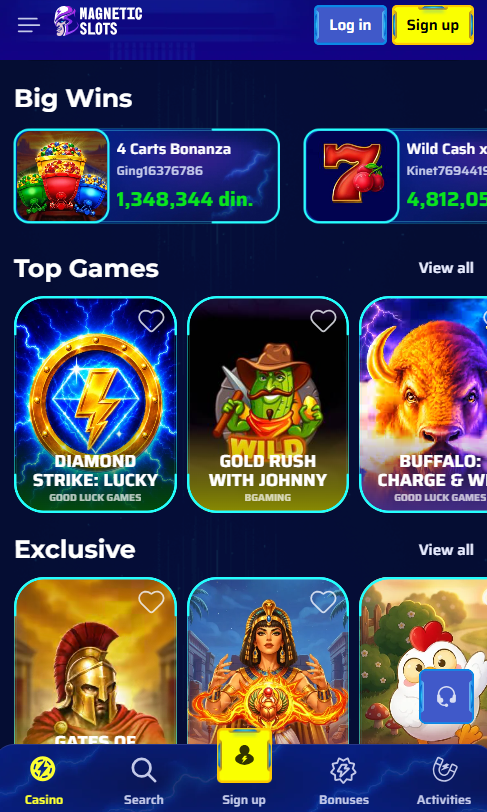
Mobile Application vs Mobile Browser
Members choose between the dedicated Magneticslots app and the mobile browser version depending on preference and use case. Both options grant access to the same account, so it is possible to switch between them at any time without losing progress or bonus balance. The comparison below highlights the practical differences between the two channels.
Mobile Application versus Mobile Browser at Magneticslots
| Feature | Mobile App | Mobile Browser |
|---|---|---|
| Loading speed | Faster after install | Slower on first load |
| Push notifications | Supported | Not supported |
| Installation required | Yes, one-time | No installation needed |
| Storage used | 65–85 MB | Minimal cache only |
| Updates | Manual or prompted | Automatic on server side |
Game Availability in the App
The Magneticslots app grants access to the complete game library of more than 5,000 titles, matching the desktop version in scope. Slots run in portrait orientation with touch-optimised controls, live dealer games switch to landscape for full-table viewing, and virtual table games adapt to either orientation based on member preference. The sportsbook is integrated into the same application, with pre-match markets, live in-play events and virtual sports accessible from a dedicated tab. Demo mode remains available across every title in the app, allowing exploration without a real balance commitment.
Notable Features of the Magneticslots Application
- Access to the complete 5,000-plus game library from the desktop lobby
- Native touch controls optimised for slots, live dealer and table games
- Integrated sportsbook covering pre-match, in-play and virtual events
- Two-factor authentication and biometric login support for account security
- Push notifications for bonus activation, tournament results and account activity
- Quick-launch tiles for favourite games and personalised lobby arrangement
Bonuses in the Mobile Application
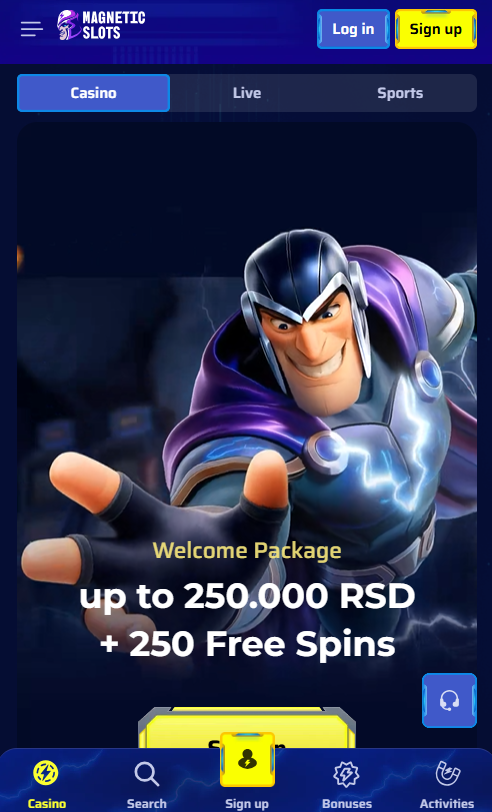
All bonuses available on desktop are equally accessible through the Magneticslots app, including the welcome package worth up to £1,500 plus 250 free spins, weekly cashback, Sunday reloads, rakeback and the high-roller bonus with code 50HIGH. Members activate promotions through the cashier just as on desktop, with the opt-in checkbox appearing during the deposit process. Full details of every current promotion are available on the bonus page for reference before activation.
Payment Methods in the App
The Magneticslots app supports every payment method available on desktop, with two mobile-specific options that streamline the deposit process. Apple Pay integrates directly with iOS devices for one-touch deposits without card entry, while Google Pay provides the equivalent experience on Android. Cryptocurrency deposits and withdrawals are supported through built-in QR code scanning, and standard card, e-wallet and bank transfer options work identically to the desktop cashier. New members can complete registration directly from within the app if the account has not yet been created.